

Time is money and in order to help the most people after a storm, it is important to maintain a tight schedule. As an IA, you are responsible for setting your schedule and sticking to it. This means, you have to contact all your claims and set up inspection dates and times. After your first few deployments, this may get easier, but it is always time consuming. Also, if you have a lot of claims that sit without contact for more than a few days, it is possible the IA firm will pull those claims and reassign them to a more effective adjuster. The sooner you make contact, the sooner the claims can be inspected, and the sooner you will get new claims. So what are some ways to make this easier? In this article, we will discuss five tips to effectively schedule your assignments and help you stay deployed longer.
Step 1. Take a Deep Breath – Corny right? But definitely helpful.
When we get the call to deploy, it can be exciting. And when we receive 30+ claims it can also be a little overwhelming. There can be a lot of items on your to-do list such as packing, getting family affairs in order, traveling, and making a bunch of phone calls. Taking the time to collect your thoughts and acknowledge the tasks ahead will help keep you focused on one item at a time. Additionally, having a predetermined plan for family and/or pets will help shorten your to-do list when the time comes to take action.
Step 2. Prioritize and Organize
As you accept all of your assignments, read through the First Notice of Loss (FNOL) and loss description. This will help you get a feel for the type of damages you will be inspecting, as well as the severity of your claims. It is recommended to prioritize your first contacts and inspections based on the severity of the damages. While you do this, have a system and workflow prepared to keep track of your claims, notes, inspection dates, etc. Many adjusters, IA firms, and carriers use Xactanalysis, FileTrac, or other Claims Management Systems (CMS) to track assignment details. Other adjusters use a spreadsheet, notepad, or a note on their phone. Whatever method you prefer, make sure you’re comfortable with the system and have it open and ready when you begin scheduling.
Step 3 – Segment or Group
Before I reach out and call the insureds, I like to map all of my claims. If you can, do this on your CMS program to get a feel for where claims are clustered or if they are spread out. This also helps me determine where to search for hotels or AirBnBs if I haven’t already booked one. I then like to get familiar with the surrounding areas, such as grocery stores, gas stations, toll bridges, food stops, and road closures. Next, group your claims based on location clusters, and establish certain days for certain areas. For example:
- Monday and Thursday – Area 1
- Tuesday and Friday – Area 2
- Wednesday and Saturday – Area 3
Step 4. Reach Out and Schedule
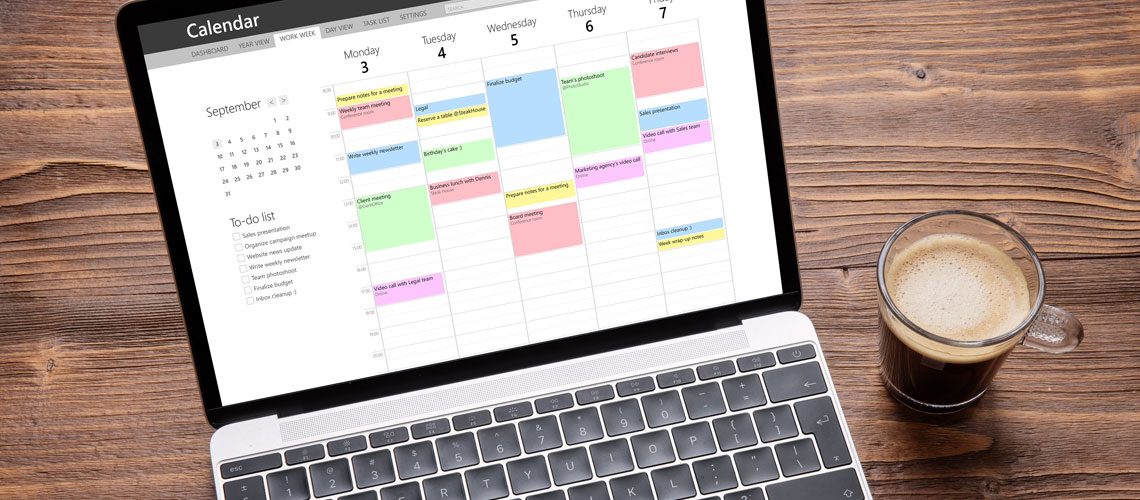
Now that you have your claims sorted by severity, location, and days of the week, it is time to start contacting them. Have a calendar app open on a monthly or weekly view. When contacting the insured, you can lead them to these predetermined days using something like the following: “I will be in your area on Tuesday and Friday, would either of these days work for you?”.
Try to reserve the first couple of days of your inspections for the claims with the most critical damage. If the loss notes are not detailed, ask the insured what type of damages have occurred. This will help you get an idea if they can wait a few days before you come out. I always like to tell the insureds “no damage is good damage and we are working on handling the most severe claims first”. Most claimants understand this and will be more flexible. However, some insureds will embellish the damages and expect you at their home yesterday. It is up to you as the independent adjuster to determine what should take precedence and plan accordingly.
Step 5. Update Notes
Finally, remember to update your notes in the Claims Management System as you go! Make sure to include the contact information for the insured as well as the date and time of the inspection. Also, mark the contact box complete in Xactimate to stop the clock!
Carriers and IA firm managers can run reports to check the status of your claims and average time until first contact. Having your files up to date with detailed notes will hopefully keep them from calling you.
There you have it! Use these five tips on your next deployment to keep things running smoothly. Your customers may not know the difference but the IA firms will recognize the efficiency and so will your wallet. Stay safe!
